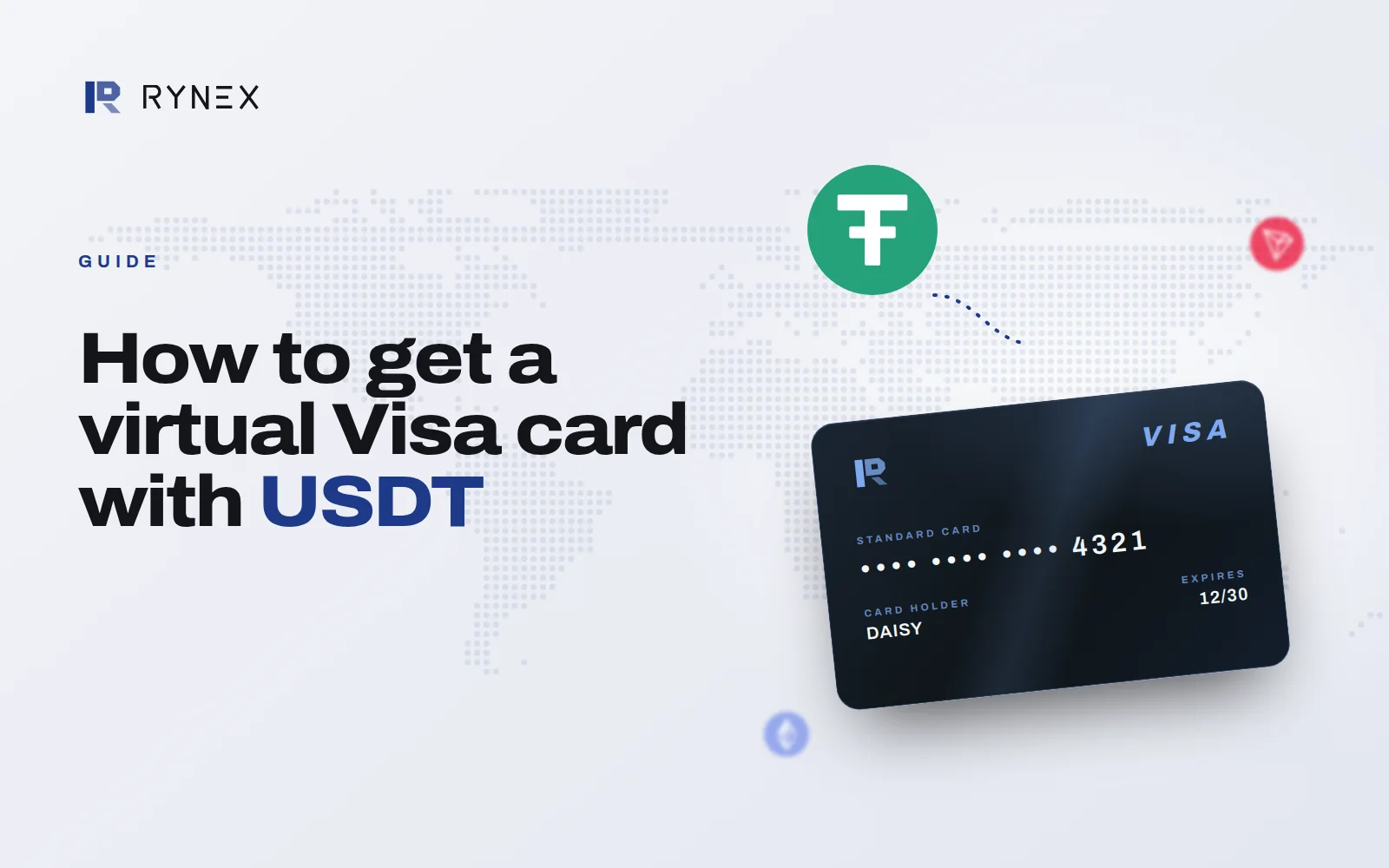
A virtual Visa card is a real Visa card with no plastic. It has a card number, an expiry date and a CVV, the same as any card, but they live in your Rynex dashboard instead of on a piece of plastic in your wallet.
You can make one in seconds and close it the moment you are done with it.
Where it works
- Online checkout. Any site that takes Visa. Paste the number, or let your browser fill it in.
- Subscriptions. Give one service its own card, so cancelling is closing a card rather than an argument.
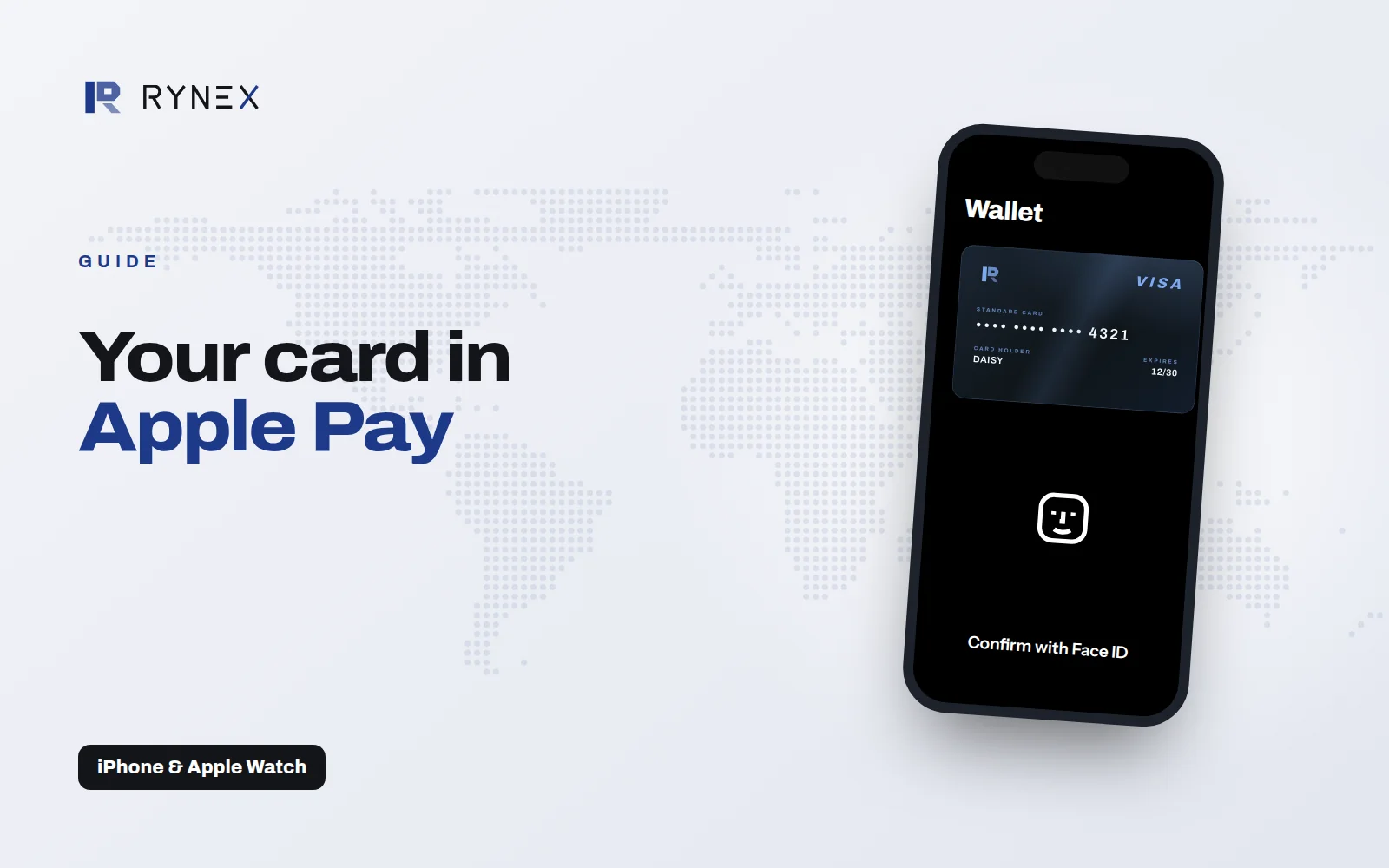
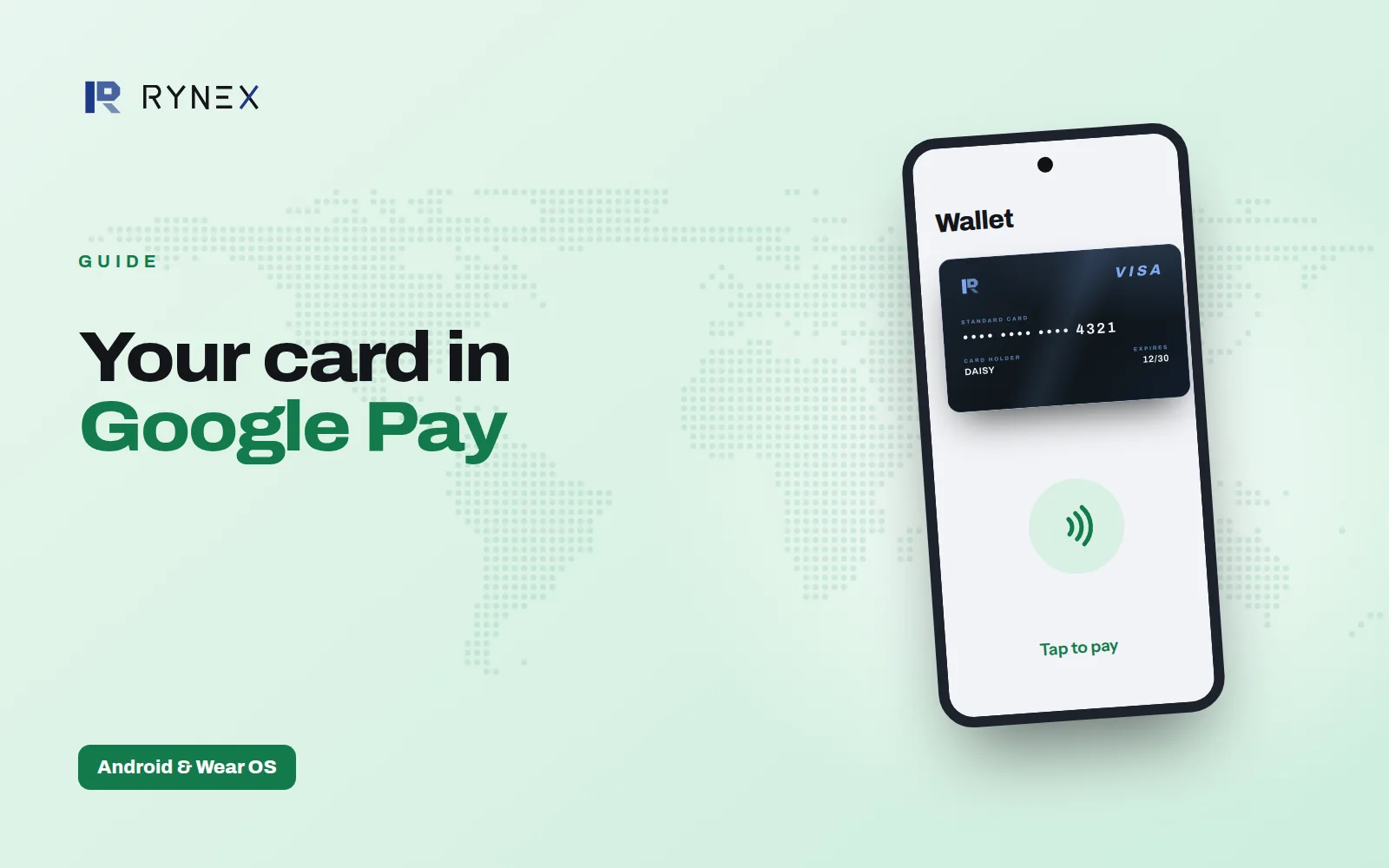
- In a shop. Add it to Apple Pay or Google Pay and hold your phone to the terminal.
How you get one
- Name it. Name the card after the thing it pays for. That name is how you find it again.
- Fund it. Send USDT. The card is created holding exactly what arrived, less the fee shown before you send.
- Spend it. Use it anywhere Visa is accepted, and close it the moment its reason ends.
The full walk-through is in how to get a virtual Visa card with USDT.
Why it is safer than one card for everything
- The balance is the limit. There is no overdraft and no credit. It spends what was put on it and then stops.
- Freeze or close it. Freeze it the moment a charge looks wrong, or close it for good and issue a fresh one.
- Every payment as it clears. A live list of what the card has spent, with the merchant and the amount.
Because each card holds only what you put on it, a leaked number can't reach the rest of your money. Close that one card and carry on with the others.
What it costs
There is a fee to create a card and a fee each time you add money, and no monthly fee. Every figure is on the pricing page.
Read more on the Virtual Visa card page, or create your first card.